Beginner
Intermediate
20% Off

Blender Launch Pad 2New!

New!
This is some text inside of a div block.

Build a strong 3D foundation and create Blender projects with confidence.

From
$69
Free
$55.2
+ TAX
EARLYBIRD20
Use the coupon code above to save 20% at checkout. Expires October 2nd 2026, 23:59 CEST.
Release Info: This course launched September 17th, 2026!
Play Video
See student work
Overview

Want to learn Blender without wondering what to learn next?

Blender is incredibly powerful, but when you're just getting started, it can be quite overwhelming and hard to know where to begin, what to learn next, and which skills actually matter.

Blender Launch Pad 2 gives you a clear, structured path through the most important 3D fundamentals, so you can stop jumping between disconnected tutorials and understand how everything fits together.

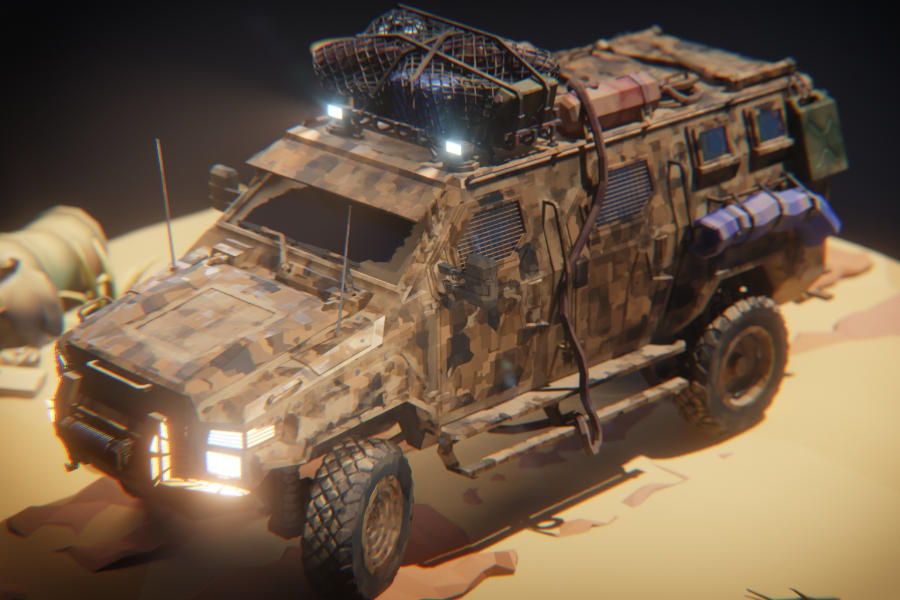
You'll learn modeling, materials, texturing, lighting, rendering, and much more through practical fun exercises and one larger project that grows along with your skills.

By the end of the course, you'll not only know how to use Blender/3D, but you'll also have the foundations to confidently continue your learning journey and create your own 3D projects.

What’s inside?

Get an overview of the course journey.

Part 1 – User Interface & Modeling

  • 5 Chapters
  • 63 Lessons
  • 14.5+ hrs running time

Chapter 1 & 2 – Getting Started & User Interface‍

In these chapters, we get a quick course overview before exploring Blender’s user interface and its most important tools. We also customize the layout, practice viewport navigation, and wrap things up with a small treasure hunt.

5 videos | ~0:37 hrs running time

Chapter 3 – Modeling Basics

In this chapter, we learn the core modeling fundamentals, from working in 3D space and transforming objects to snapping, Edit Mode, modifiers, and smooth shading. Along the way, we create a coffee mug, build a bridge, solve common modeling issues, and even experiment with physics.

18 videos | ~4:17 hrs running time

Chapter 4 – Project: Car Modeling‍

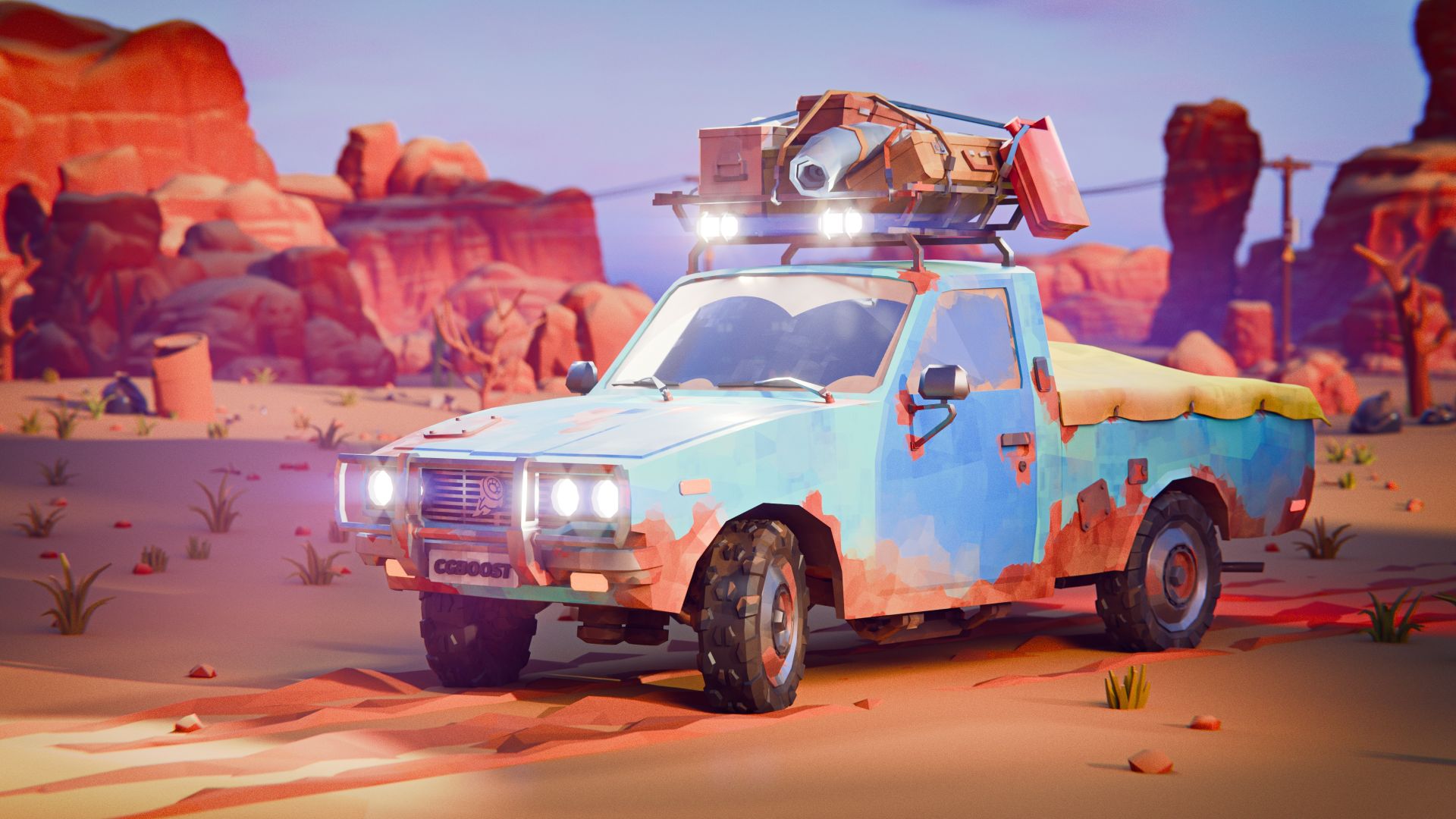
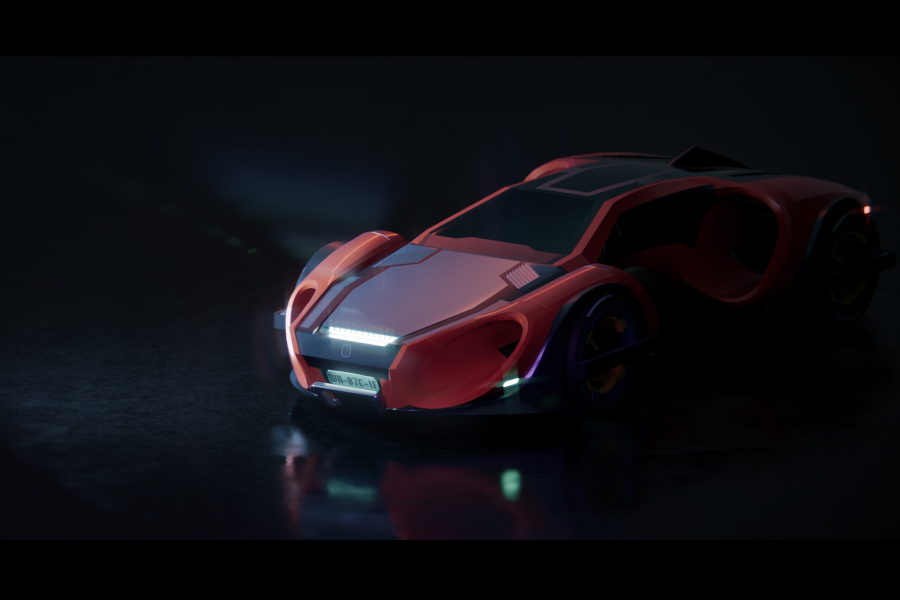
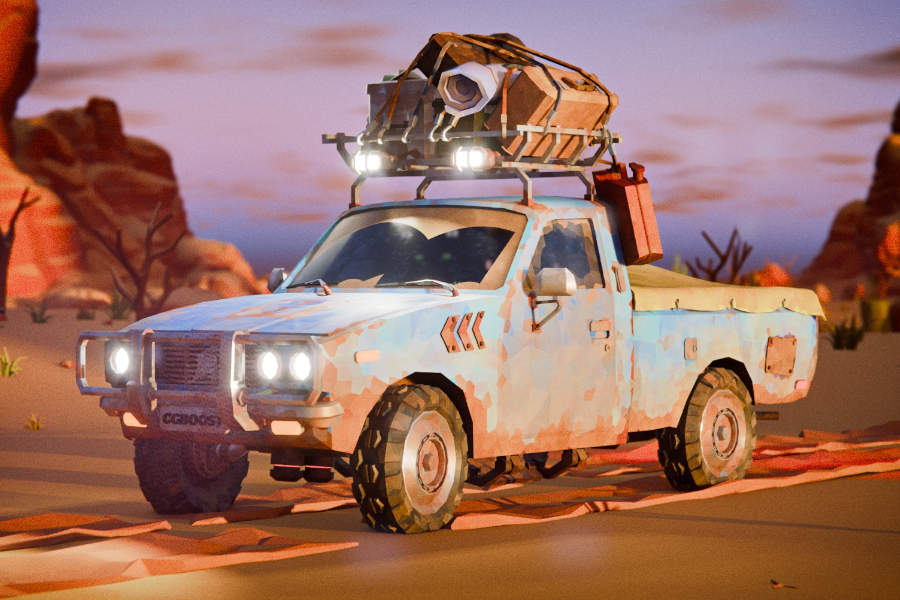
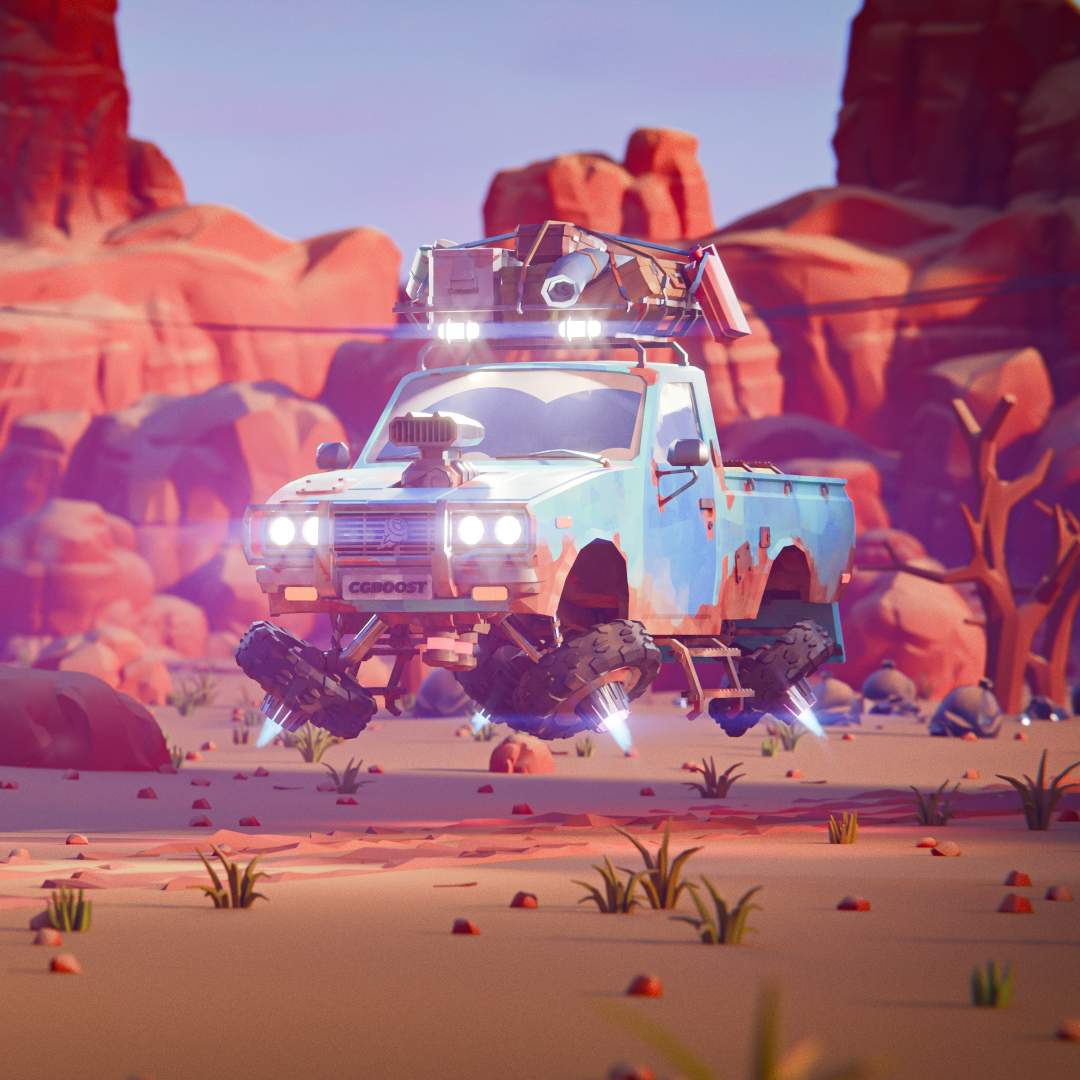
In this chapter, we apply our modeling skills to create a detailed low-poly car from scratch. We gather references, prepare the model, and build the car step by step from the body and details to the chassis and wheels.

18 videos | ~4:08 hrs running time

Chapter 5 – Project: Car Customization‍

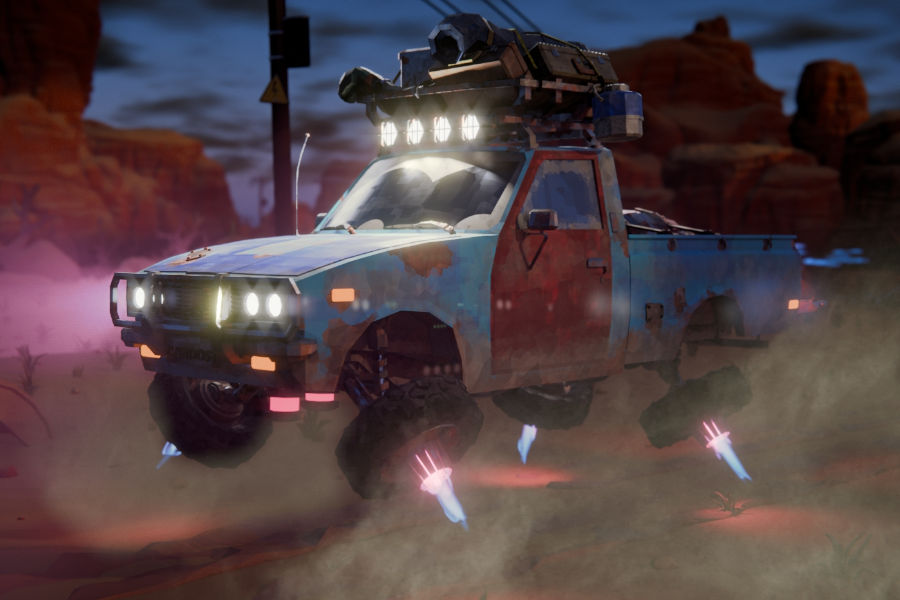
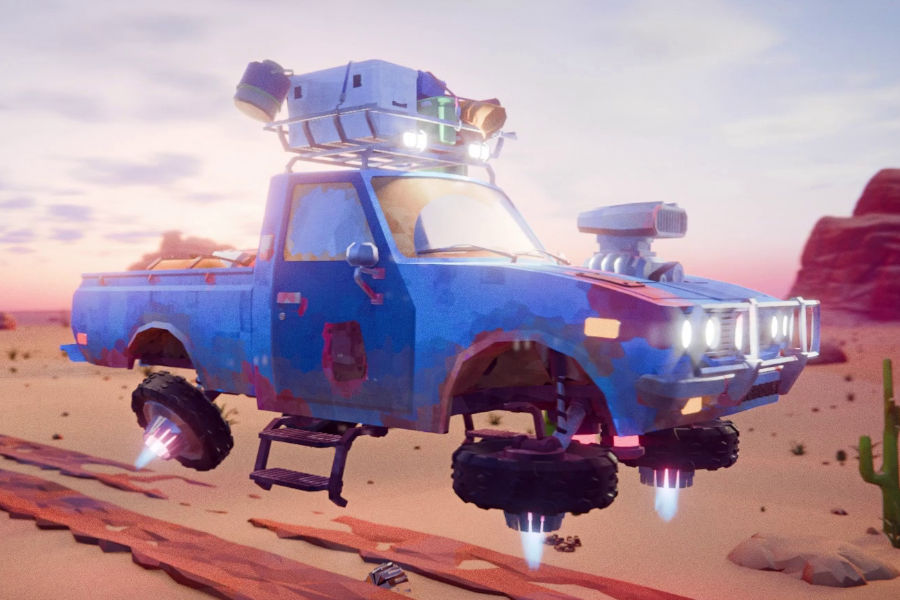
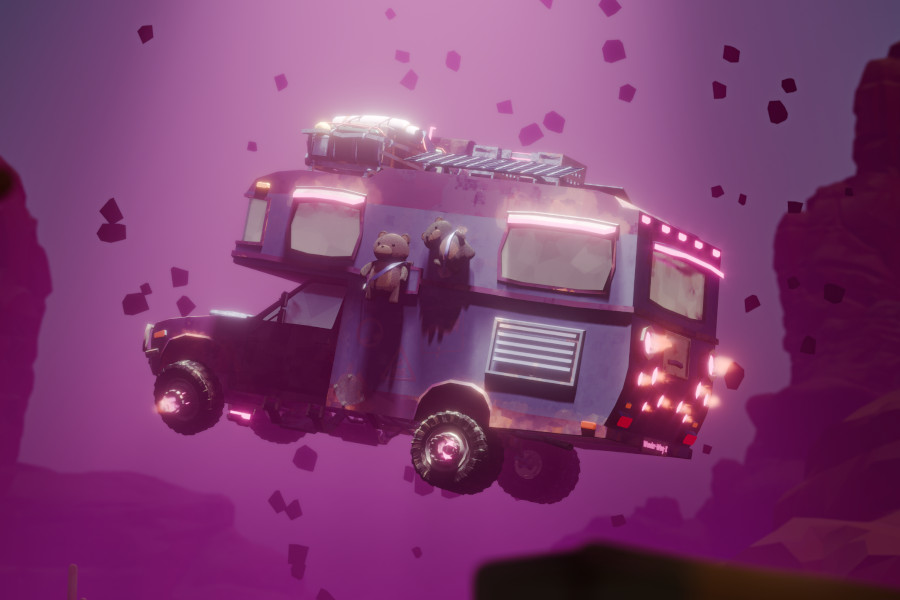
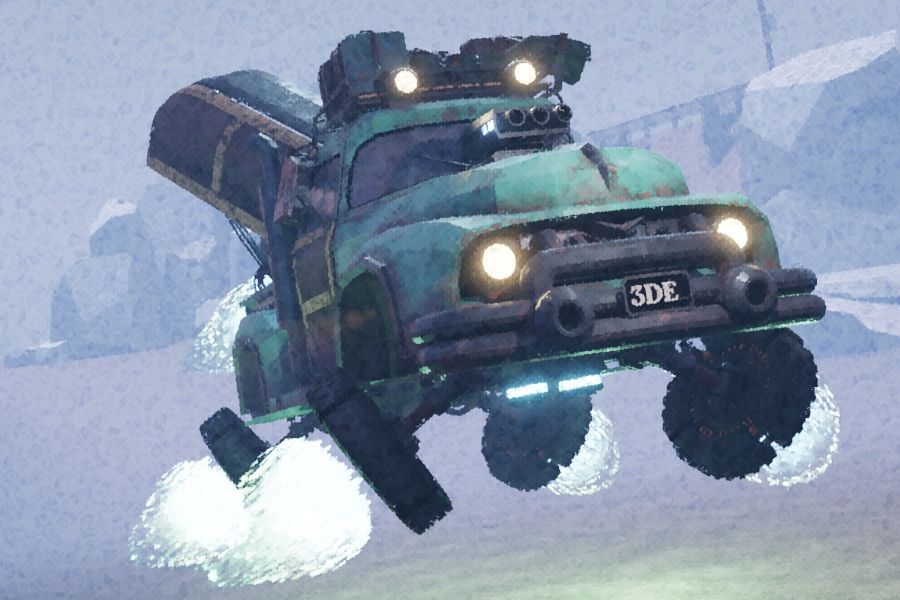
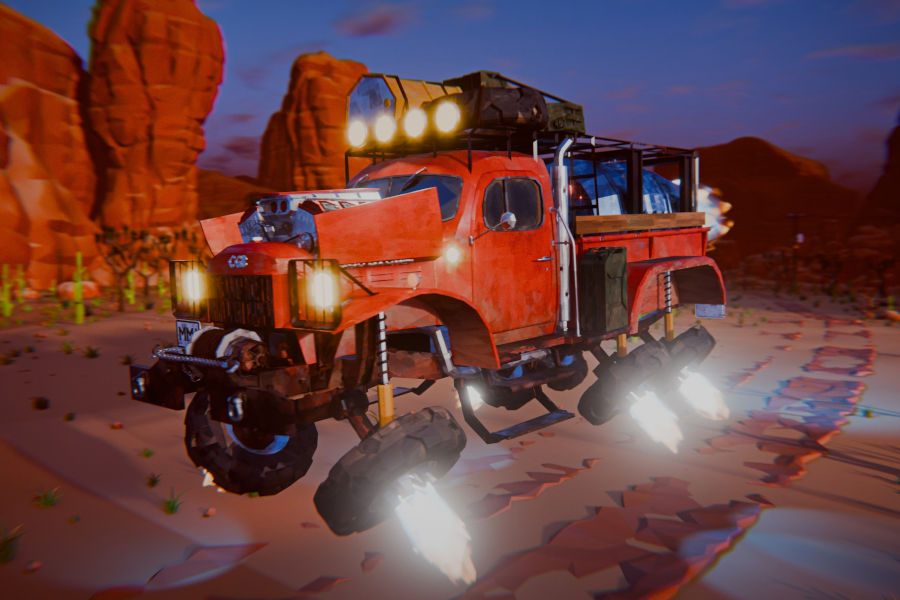
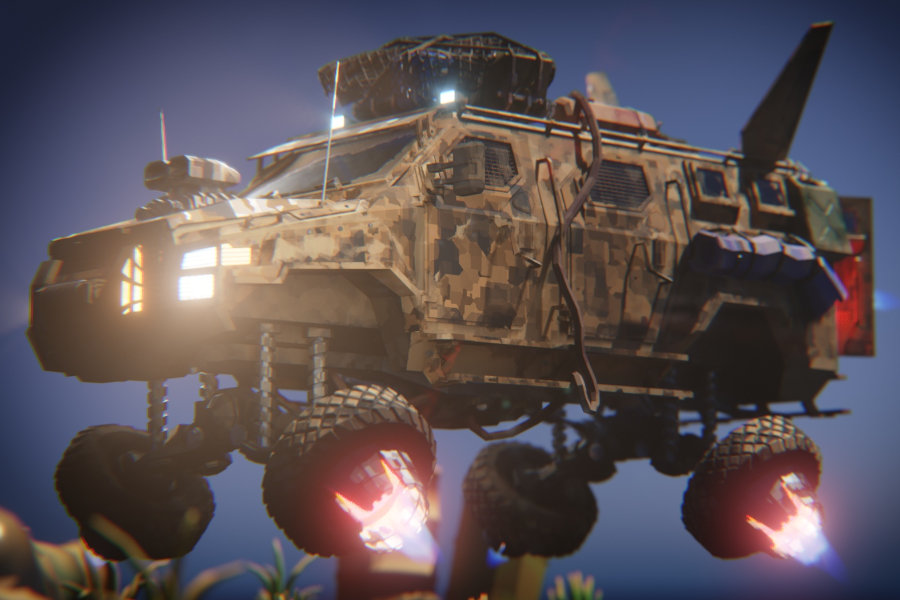
In this chapter, we customize our car with new details and transform it into a flying vehicle. We add luggage, thrusters, retractable parts, cables, and other elements before cleaning up the final model for the next stage.

22 videos | ~5:31 hrs running time

Part 2 – Materials & Texturing

  • 2 Chapters
  • 55 Lessons
  • 12+ hrs running time

Chapter 6 – Materials & Texturing Basics‍

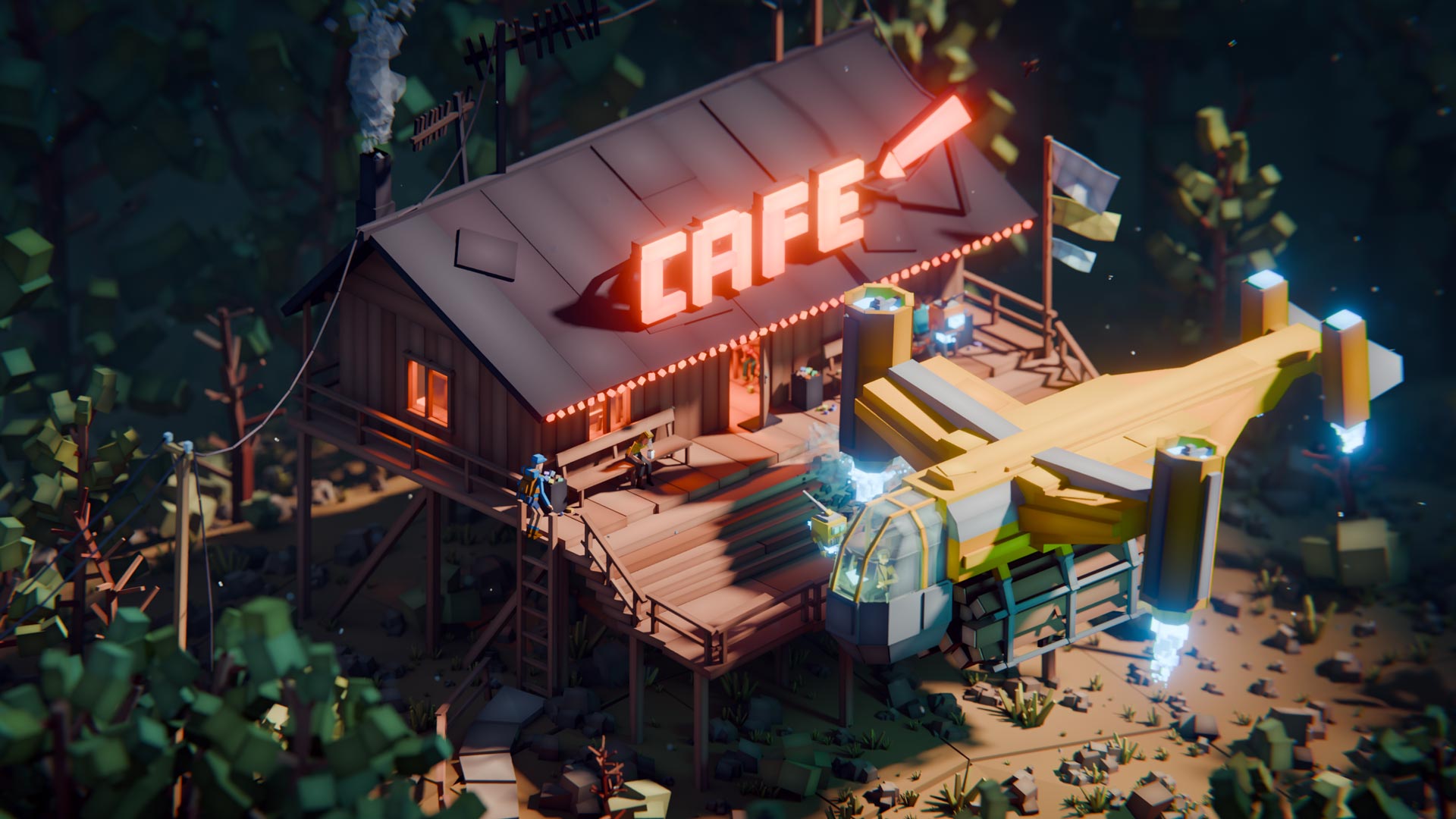
In this chapter, we learn the fundamentals of materials and texturing while bringing a colorful alien toy scene to life. We work with shaders, image and procedural textures, UV mapping, vertex painting, masking, and reusable node setups before finishing and rendering the scene.

26 videos | ~6:09 hrs running time

Chapter 7 – Project: Car Materials & Texturing‍

In this chapter, we add materials and textures to our car while keeping its low-poly style. We create procedural surface details, UV unwrap the model, paint rust and dirt, and finish it with details like dirty windows and thruster flames.

28 videos | ~6:05 hrs running time

Part 3 – Lighting & Rendering

  • 2 Chapters
  • 44 Lessons
  • 9+ hrs running time

Chapter 8 – Lighting & Rendering Basics

In this chapter, we learn the fundamentals of lighting, rendering, and compositing to turn our 3D scenes into polished final images. We work with cameras, lights, HDRIs, Eevee and Cycles, volumetrics, and compositing before applying everything to several practical scenes.

19 videos | ~3:33 hrs running time

Chapter 9 – Project: Car Presentation‍

In this chapter, we prepare and present our finished car in a desert environment. We make it easy to switch between driving and flying mode, build the surrounding scene, add lighting and atmospheric effects, and create final images and animations to showcase the car.

24 videos | ~5:36 hrs running time

Course History & Updates

  • Beta Testing from April 2026 (still ongoing) gathering and implementing student feedback
  • Official Release in September 2026 with 9 chapters
Reviews

Our students, their feedback and results.

Student results

Student Works Slider: Content can only be seen/previewed after publishing.
Arrow Left
Arrow Right
Arrow Right
Who is this for?

Is this course right for you?

This course is specifically designed for absolute beginners, with NO or just basic knowledge of Blender.

It can also help more experienced users solidify their fundamentals and learn some useful tips and tricks.

It's also recommended for anyone switching from a different 3D software to Blender.

Beginner’s Bundle

Enroll now and get 20% off our Cubic Worlds course at checkout.

Blender Launch Pad 2
Cubic Worlds
Enroll now

Instructor(s)

Your guide(s) on this journey.

Zach Reinhardt

Zach Reinhardt

Founder & Lead Instructor

I fell in love with 3D the first time I opened Blender in 2004. From my first freelance jobs to my first teaching experiences, my passion for telling stories in 3D and teaching my experiences to others grew. All of this led me to found CG Boost in 2019, where I carefully craft Blender courses to make your learning process an enjoyable journey.

Follow
Enroll Now

Blender Launch Pad 2

Here is what you'll get:

  • Learn all essential Blender fundamentals in one place
  • No subscription - pay once and keep forever
  • 160+ lessons with 36+ hours of content
  • Stream online or download* the course for offline use
  • All project files included for download
  • High-quality (human) support & access to the CG Boost community
  • Earn a certificate upon course completion
  • Auto-generated captions in 10 languages: English (EN), Spanish (ES), Hindi (HI), Portuguese (PT-BR), French (FR), Russian (RU), Japanese (JA), German (DE), Korean (KO) & Dutch (NL)
  • Free fixes and minor updates through the end of 2028
  • Recommended for Blender 5.0+

*Downloads are provided automatically after 30 days or upon request. Kindly note that refunds aren’t available once requested.

EARLYBIRD20
Use the coupon code above to save 20% at checkout. Expires October 2nd 2026, 23:59 CEST.
From
$69
Free
$55.2
+ TAX
Enroll now
30 day money-back guarantee
You’ll be redirected to our academy on Teachable
FaQ

Frequently asked questions.

When does the course start and finish?
How long do I have access to the course?
What if I am unhappy with the course?
Does this course work with Windows, Mac and Linux systems?
I never used Blender before, am I able to follow this courses?
Do I need a powerful system to run Blender?